
Saved Sites
Named lists of locations you want to keep handy.
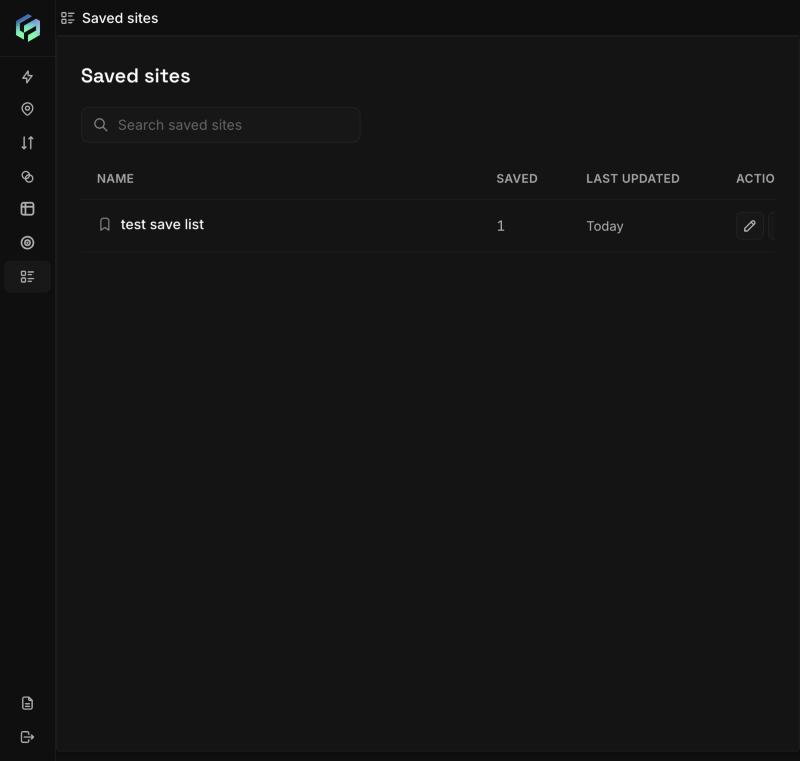
Saved sites lists each list with the number of items saved and when it was last updated.
- Save a site: in Location Insights click Save to saved site (bookmark icon). Pick a list or Create new saved site, confirm the location name, and Save.
- A saved item is a pin with a radius (up to 10 km) or a drawn polygon.
- Saved sites page: table of lists with Name, Saved (item count), Last updated, Actions.
- Reuse: add saved sites into Compare and Cannibalization from the location pickers.
- Rules: list names are unique in the workspace; item names unique within a list; up to 500 items into up to 20 lists in one action. Clashing or invalid items are skipped and reported. The same location saved to two lists becomes two independent copies.
Updated about 2 hours ago
Did this page help you?