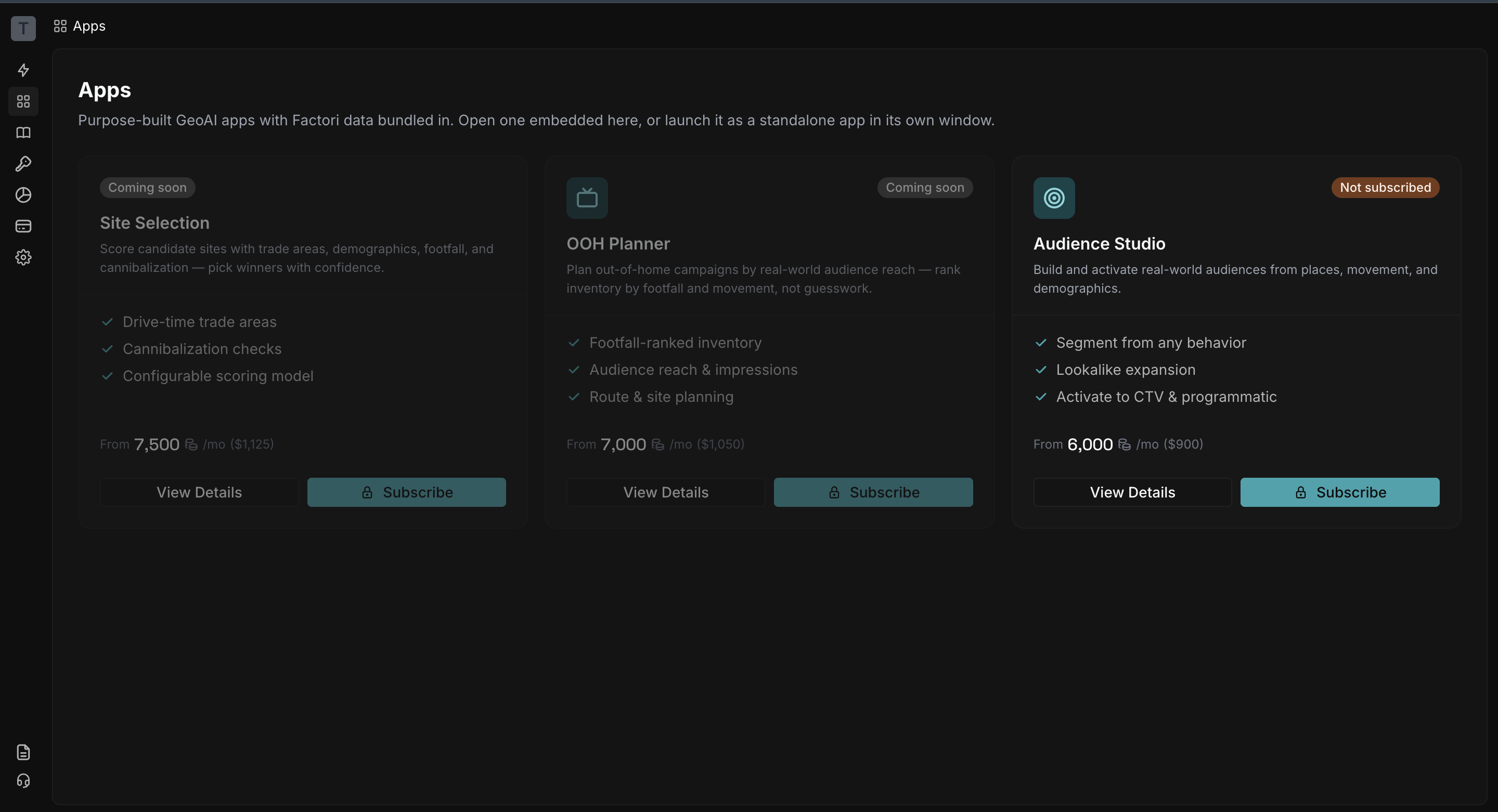
Audience Studio
Get a quick tour of the audience studio app
Audience Studio turns a plain-English description or set of filters into a sized audience you can activate across your campaigns.
Start with Explore
Open Audience Studio and start in Explore, your workspace for building and reviewing audiences. The map stays empty until you run a query.
Describe an audience in Chat
Describe the audience you’re looking for in plain English, using a set of criteria or a campaign brief. Chat turns your description into a sized audience.
Or build it with Filters
Choose Residents or Visitors, set a location or place, then refine your audience with Demographics, Household & Family, Financial, Work, Lifestyle and reachability filters.
Save it and reuse it
Click Generate Audience to see audience insights, preview the audience, and export the full audience.
Every generated audience is automatically saved to My Audiences, so you can access it anytime. Audiences are tagged as Residents or Visitors, with reach numbers that update as the underlying data changes.
Updated about 1 hour ago