
n8n
Factori People data enrichment community node for n8n enables users to enrich People data at scale directly within their n8n automation workflows.
By integrating Factori's data enrichment capabilities into n8n, teams can apply multi-dimensional filters and generate structured output, either as individual records or in bulk, without writing custom code.
Prerequisites
Before proceeding with the installation, ensure the following requirements are met:
- An active n8n account (cloud or self-hosted)
- Access to n8n Settings with permissions to install community nodes
- Sign in to your Factori account to get your API key generated
Installing the People Data Enrichment Community Node
The Factori People data enrichment node is distributed as a community node and must be installed through n8n's community node manager. Follow the steps below:
Step 1 — Open Community Node Settings
- Log in to your n8n account.
- Navigate to Settings from the left-hand sidebar.
- Select Community Nodes from the Settings menu.
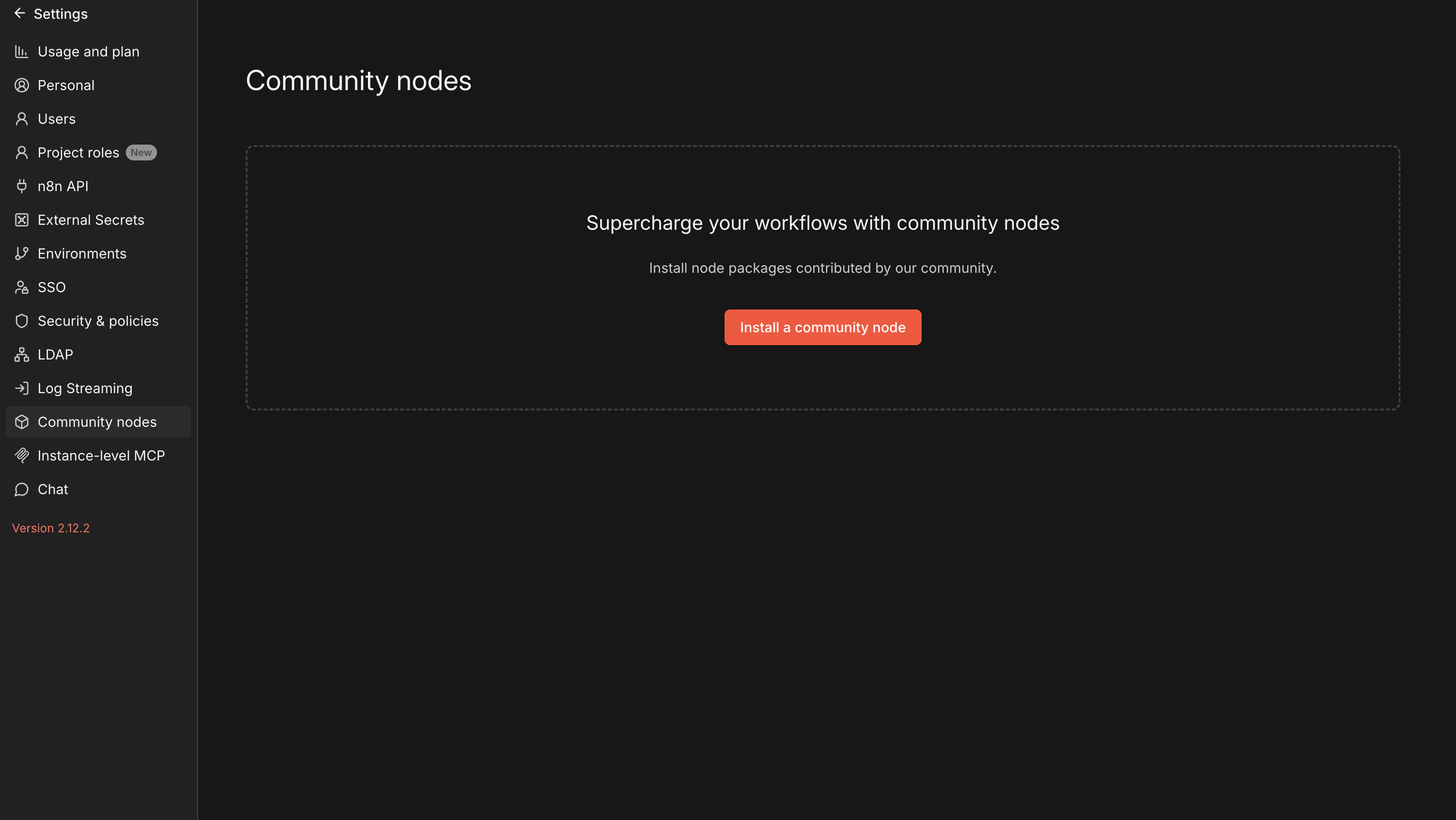
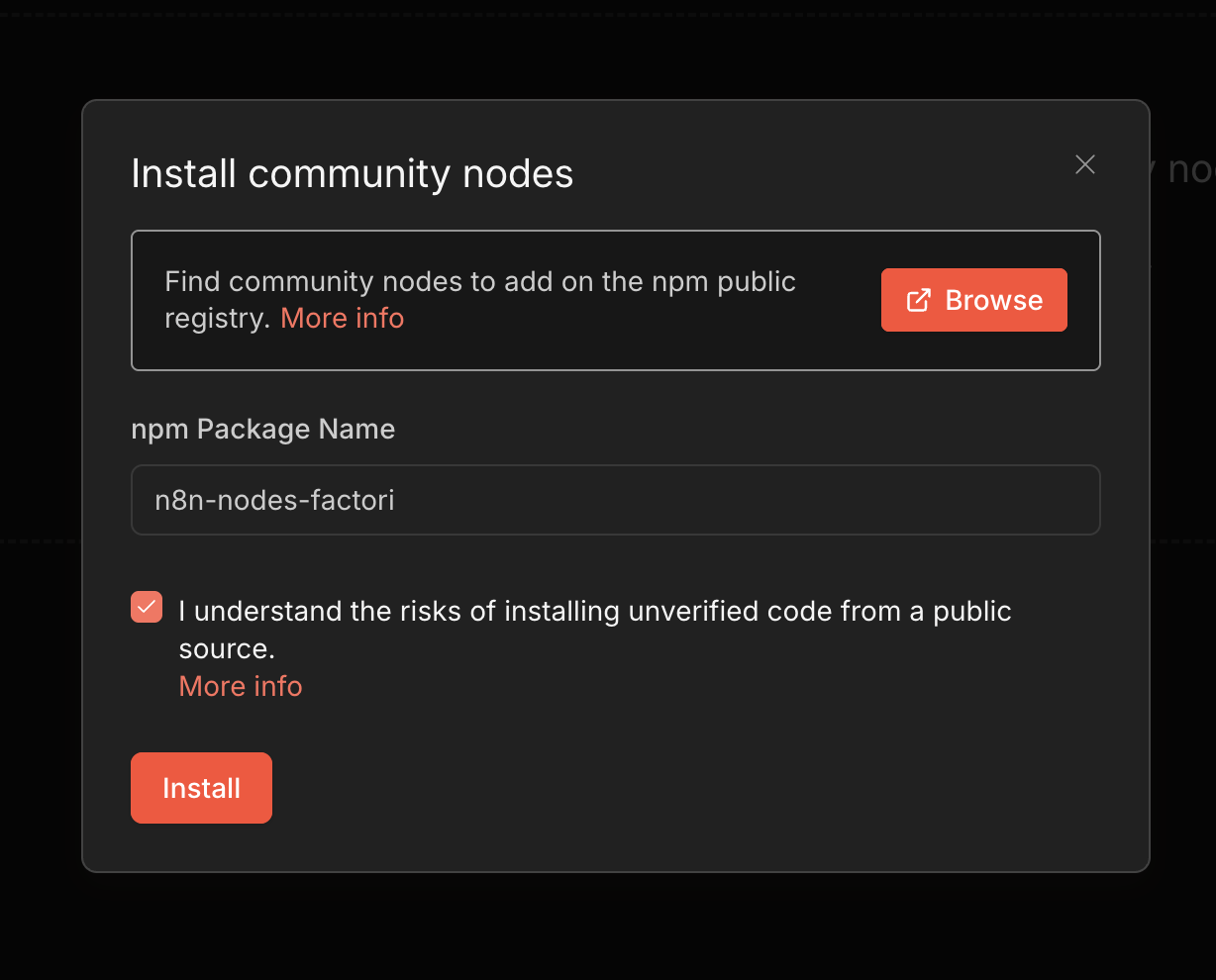
Step 2 — Install the Factori Node
- Click Install on the Community Nodes page.
- In the search field, enter n8n-nodes-factori (the official Factori community node package name).
- Click Install and wait for the installation to complete.
- Once successfully installed, the Factori People data enrichment node will appear in the confirmation list.
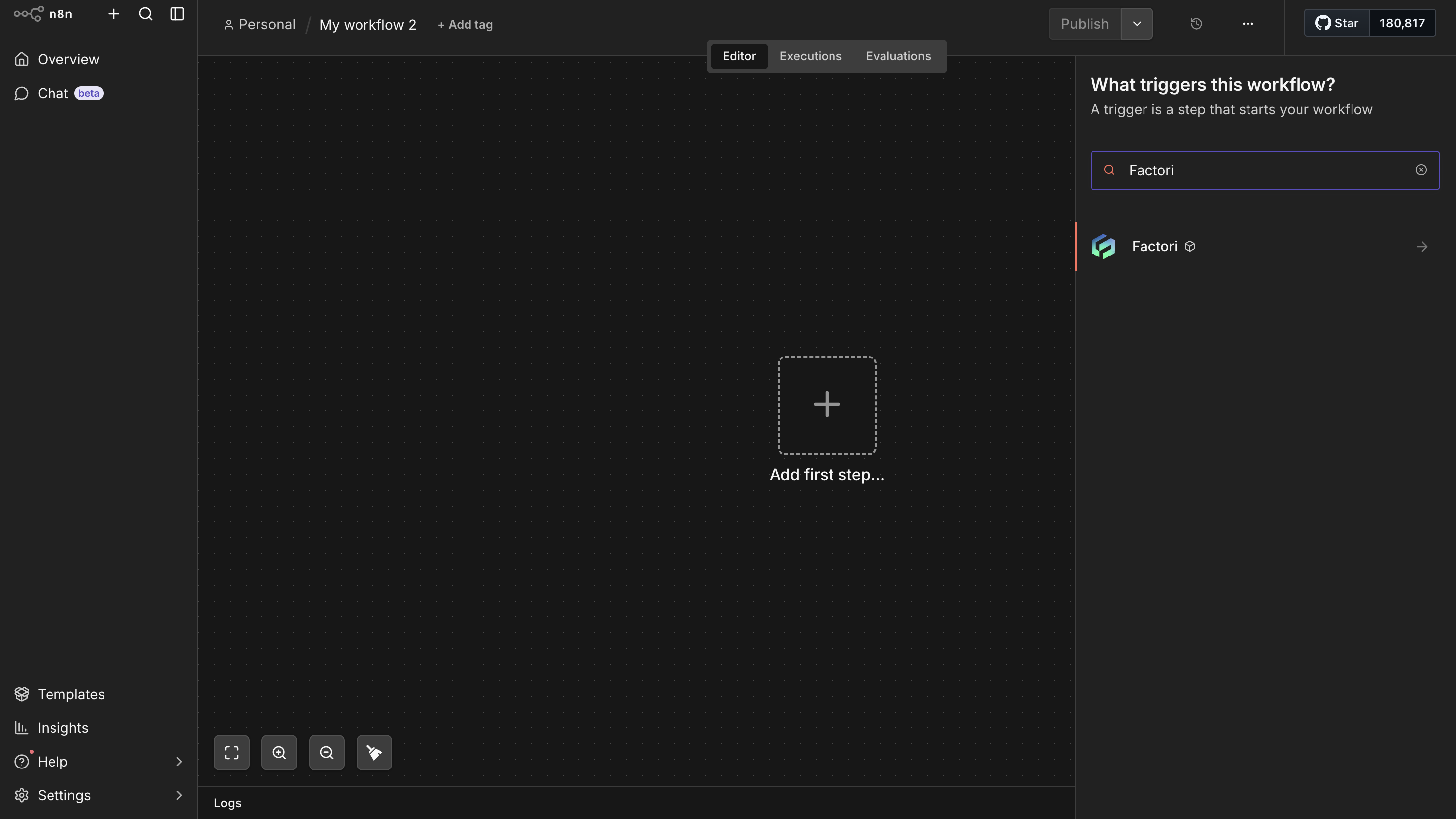
Step 3 — Verify the Node in the Gallery
- Navigate to your workflow canvas (create a new blank canvas if needed).
- Click the + Add Node button or press Tab to open the node gallery.
- Search for Factori in the search bar.
- The Factori People data enrichment node should appear in the results. Click on it to open the node configuration panel
Step 4 — Generate a Factori API Key
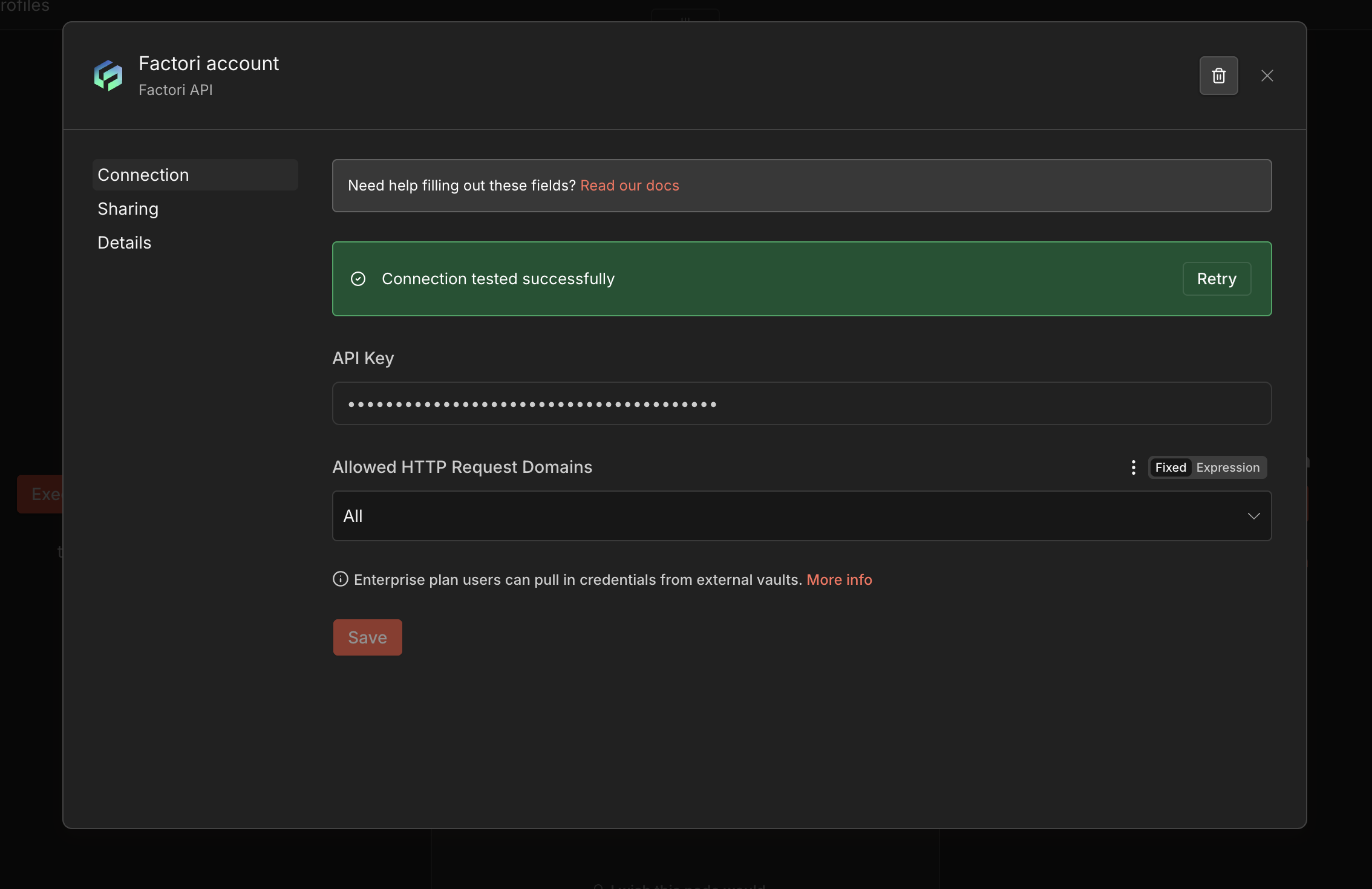
Authentication with the Factori platform is handled via an API key. You must generate this key from the Factori Console.
Access the Factori Console
- Visit the Factori Console at console.factori.io and sign up or log in to your account.
- Navigate to the API Keys section within your account settings.
- Click Generate API Key.
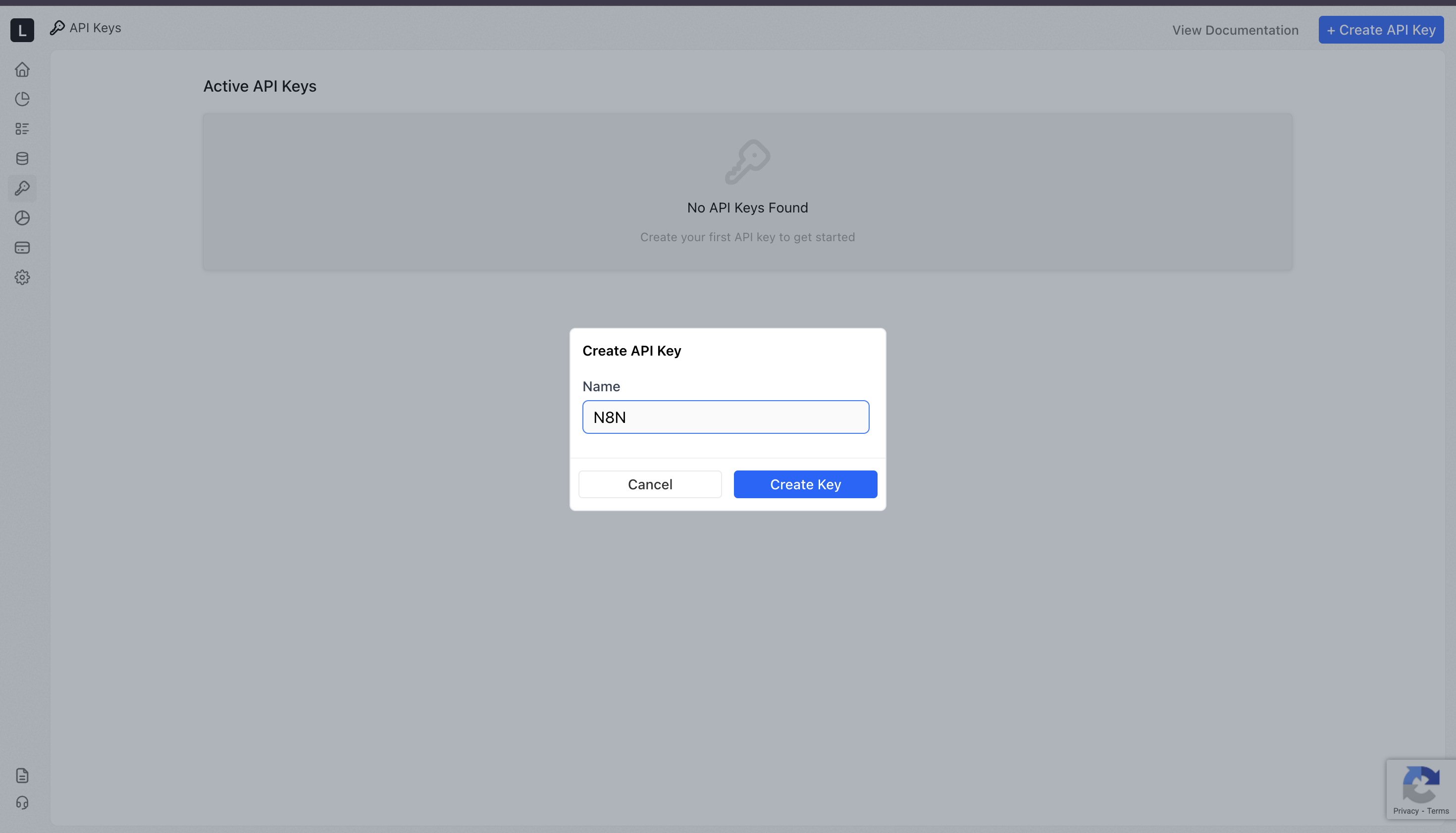
Once the API key has been generated, copy and store the key securely, once pasted into the Factori People data enrichment node in n8n, you will be all set to execute your workflows.
Filters reference
You can apply one or more of the following filters to narrow down results. All filters are optional; however, providing at least one filter is required to execute the node.
| Filter | Type | Description | Example value |
|---|---|---|---|
| Name | String | Full or partial name of the person | Jane Smith |
| Email address | String | Professional or personal email address | [email protected] |
| Company/ Organisation. | String | Company or organisation the person works at | Acme Corporation |
| Job Title/ Role | String | Current job title or role | Head of Engineering |
| Location | String | City, state, or country | San Francisco, CA |
| LinkedIn URL | String | Full LinkedIn profile URL | linkedin.com/in/janesmith |
Enriching People Data
With authentication configured, the Factori People data enrichment node is ready to enrich People data within your n8n workflows.
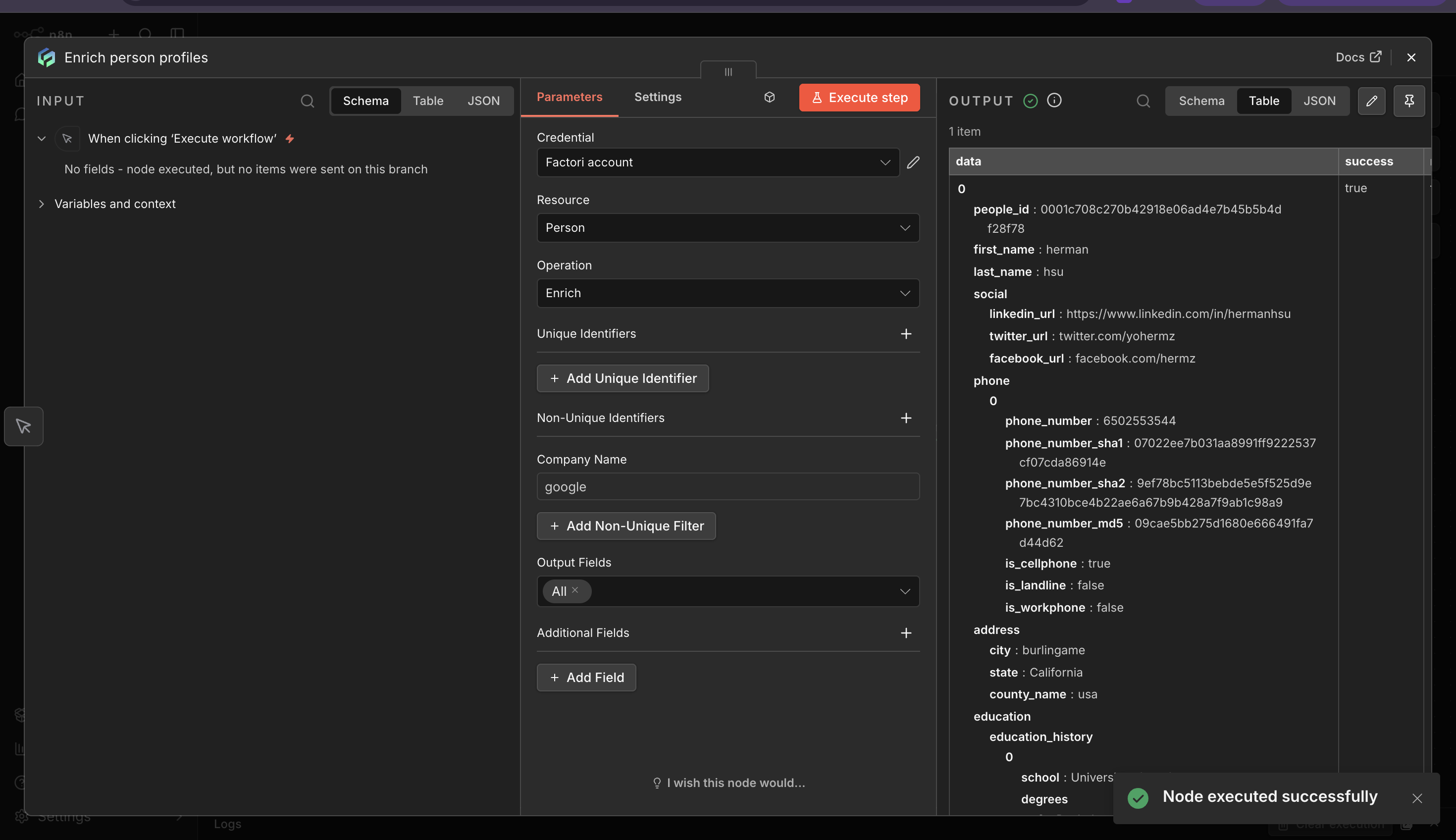
You can apply one or more filters — Name, Email Address, Company / Organization, Job Title / Role, Location, or LinkedIn URL, to get more refined results as per your business needs.
Once your filters are set, choose Single Output for a targeted one-record result, or Multiple Output to retrieve all matching records, then click on Execute Node.
Review the output in the node's output panel. The enriched data will be available as structured JSON for downstream nodes in the workflow.
Output Schema
The node returns enriched records as structured JSON. Each record contains the following feilds-
Sample output:
Troubleshooting
In cases where an API request encounters an error, the Factori API provides informative error messages and corresponding status codes. The error handling section of the documentation explains the possible error scenarios, their meanings, and recommended approaches for error handling and troubleshooting.
HTTP Error codes
| Error Name | Status Code | Description |
|---|---|---|
| Bad Request | 400 | The request body or parameters are incorrect, malformed, or fail validation. |
| Unauthorized | 401 | Authentication failed (e.g., invalid API key ). |
| Insufficient credits | 402 | Insufficient credits to process the request. |
| Forbidden | 403 | Authentication is valid, but the user/app does not have permission to access this resource. |
| Conflict | 409 | A conflicting operation is in progress (e.g., unlock in progress while another unlock request is made). |
| Too Many Requests | 429 | Allowed rate limit exceeded |
| Internal Server Error | 500 | A general server-side error occurred that does not fit other error categories. |
Resources
n8n community nodes documentation
Updated about 2 months ago